Fieldwork: a how-to tutorial video
A short tutorial for a fictional project management app, made to the same specification as a real client brief and finished in around two hours.
44 seconds, 1080p, with voiceover, music and captions.
The brief
My video work for universities sits inside courses that are not public, so I built a fictional product to show this kind of work openly. Fieldwork, its brand and its team are all invented, so there is nothing confidential in it.
I made it to the same specification as a real brief from a UK software company, which asked for a series of 10 to 30 second micro-tutorials built from screen recordings, with:
- subtle, purposeful motion: zooms, pans and transitions that guide attention
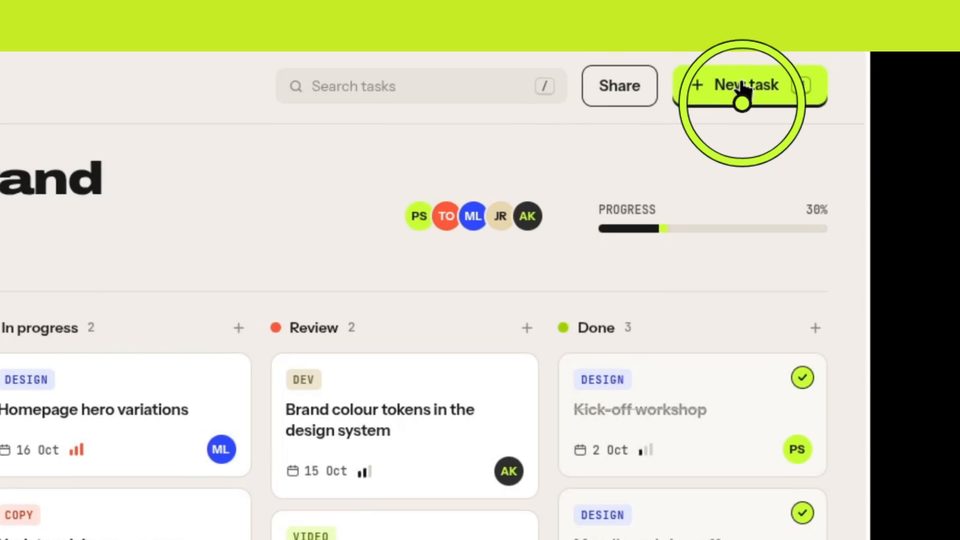
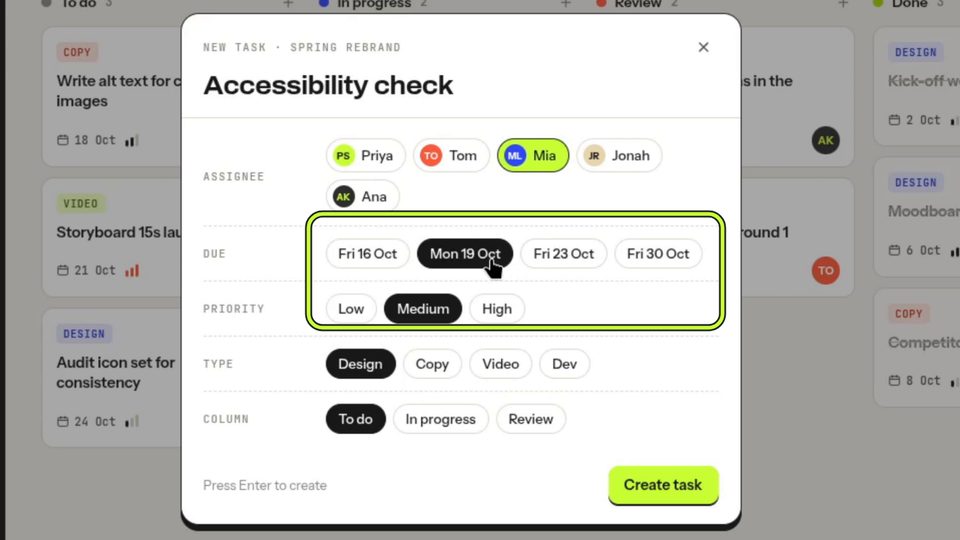
- highlights on key features as the voiceover mentions them
- branded captions, titles and an outro
- a voiceover cut to picture
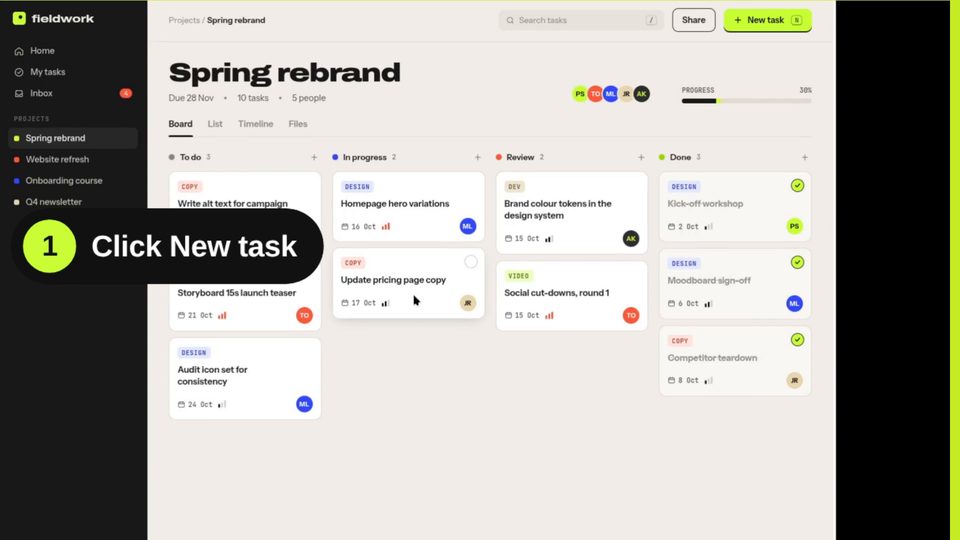
This video covers one complete workflow in four steps: opening a new task, giving it a clear title, choosing who does it and when, and creating it.
My approach
I treated it like any piece of learning design: one action per step, scripted first, with the voiceover setting the pace and the motion following the narration.
- Product. A working web prototype of Fieldwork, a project board with tasks, assignees and progress, built in HTML, CSS and JavaScript.
- Script and shot list. Every step written out with timings, camera moves and overlays planned against the voiceover.
- Voiceover. Generated with ElevenLabs using a library voice. I don't put my own voice online, and this gives professional narration without it. It also mirrors real projects, where the client often supplies the voiceover.
- Screen recording. Silent takes in OBS at 1080p or higher, recorded to match the finished voiceover.
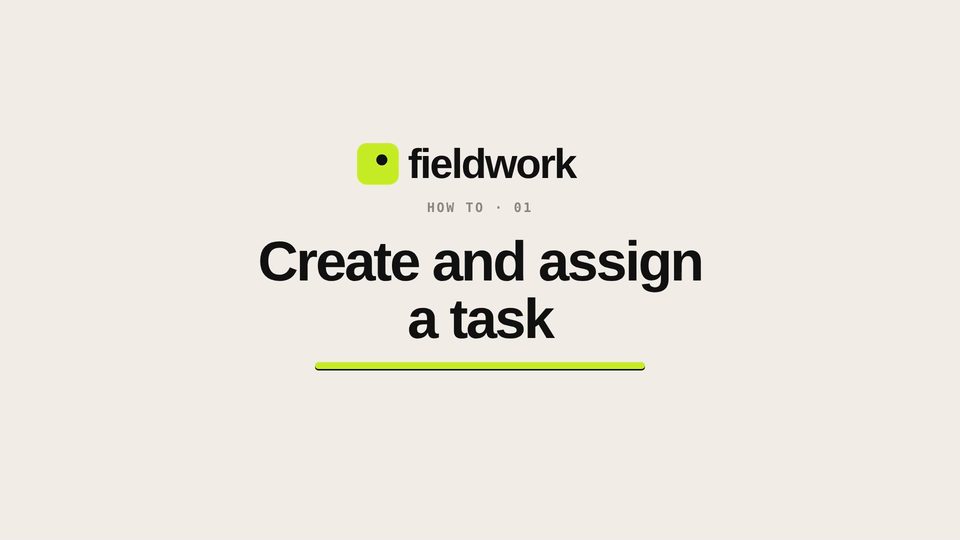
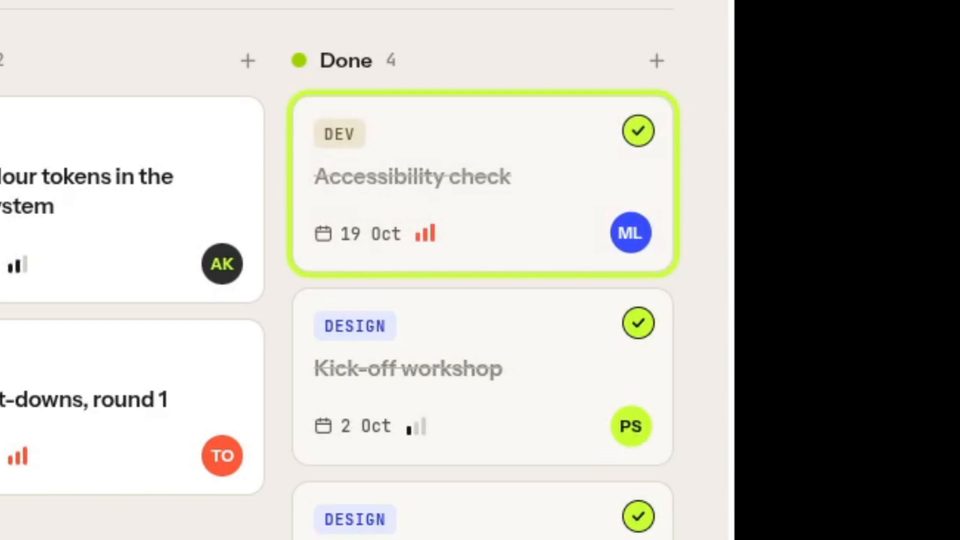
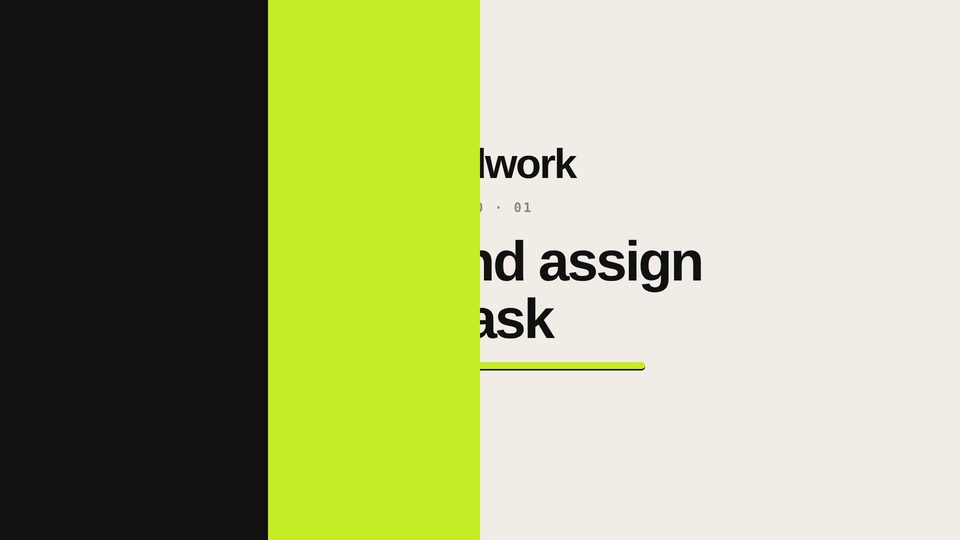
- Motion kit. A reusable set of branded pieces: an animated intro and outro, click ripples, highlight boxes, a spotlight ring, numbered step labels, a success tick and transition wipes.
- Music. A backing track chosen to sit quietly under the narration.
- Edit. Zooms, pans, overlays, captions and music assembled in Kdenlive. My usual editor is Adobe Premiere Pro.
2 hrs
From a blank page to the finished edit: voiceover, screen recordings, motion graphics, music and zoom effects.
The Fieldwork prototype and motion kit were built with AI assistance. I use AI tools for some assets and voiceover, much as editors use template packs. The script, pacing and edit are mine.
The motion kit
Because the same pieces appear in every tutorial, a whole series stays consistent and each new video is quicker to make.
Tools
ElevenLabs for the voiceover, OBS for screen recording, Kdenlive for the edit (my usual editor is Adobe Premiere Pro), and HTML, CSS and JavaScript for the prototype.
More video work
Fieldwork shows short-form tutorial work. Behind it are years of longer-form video for online learning: filming and editing academics and subject experts for FutureLearn courses at Nottingham Trent University, camera work on location within reach of Nottingham, and editing footage supplied from anywhere.
Need an example of longer-form or filmed video? See my FutureLearn course work.
Need short tutorials or learning video?
Tell me what you need and I'll come back to you within two working days.